Change STL Display Modes
Switch between shaded surfaces, mesh edges and vertex points.
The Mode menu changes the appearance of the model without changing the STL geometry. Use Shaded for its overall shape, Combined to compare the surface with its triangle edges, or Wireframe and Points to inspect the mesh structure.
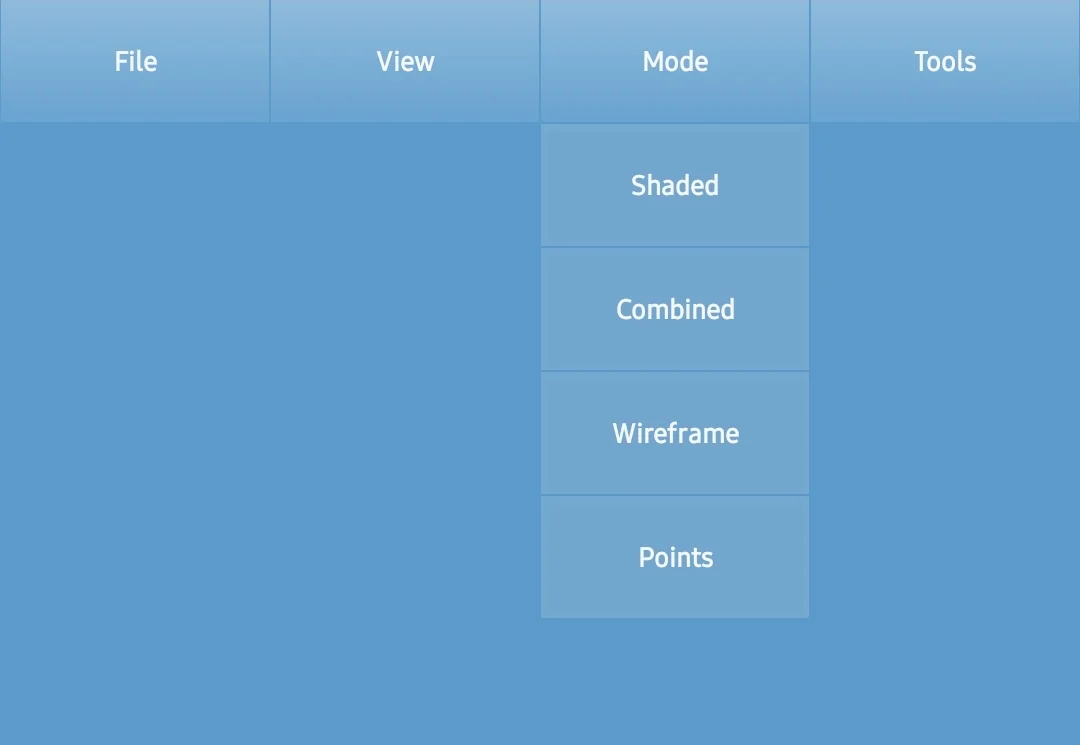
Open the Mode menu
Choose Shaded, Combined, Wireframe or Points to change how the loaded model is drawn.
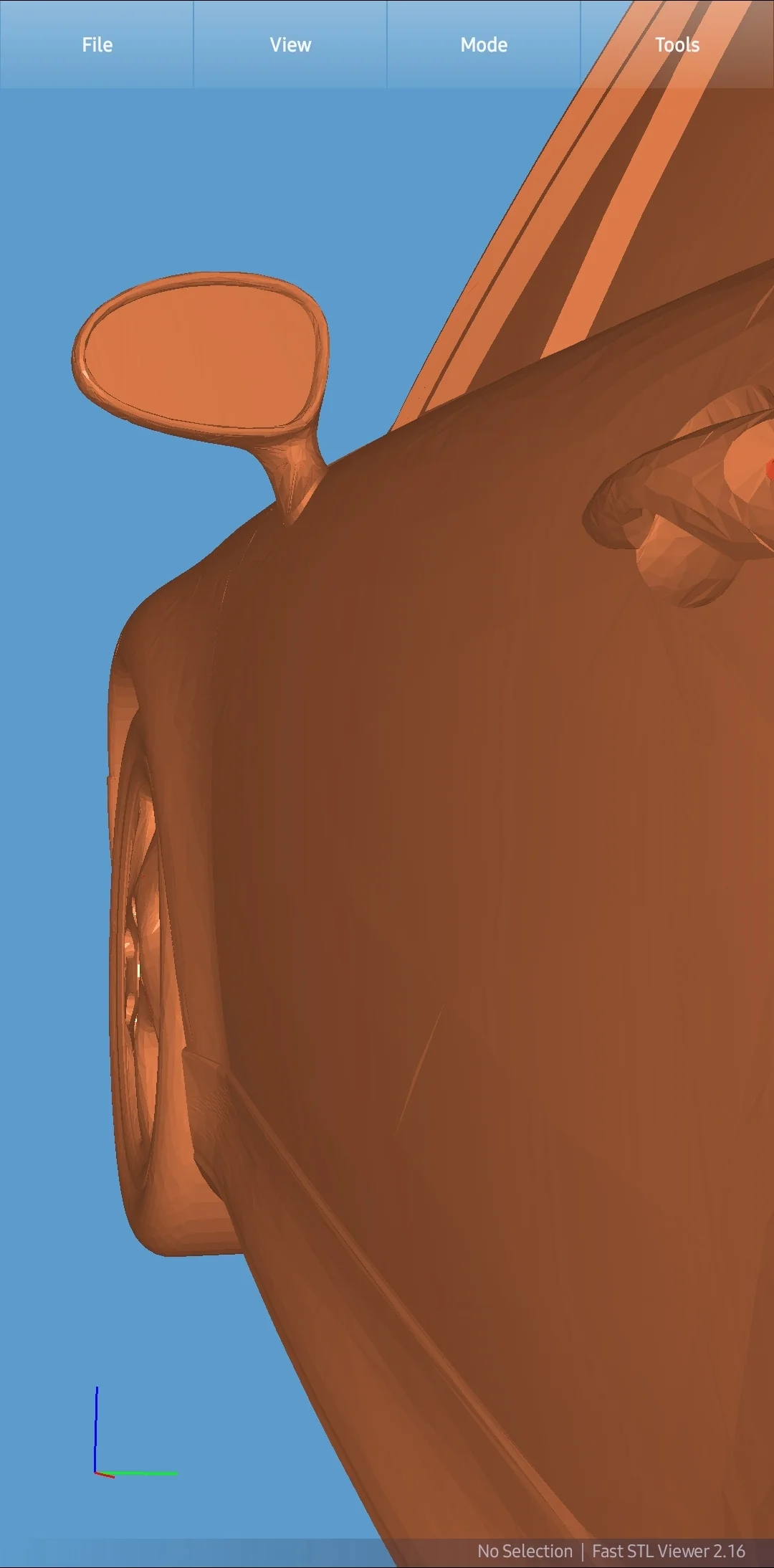
Shaded
Standard shaded rendering with lighting
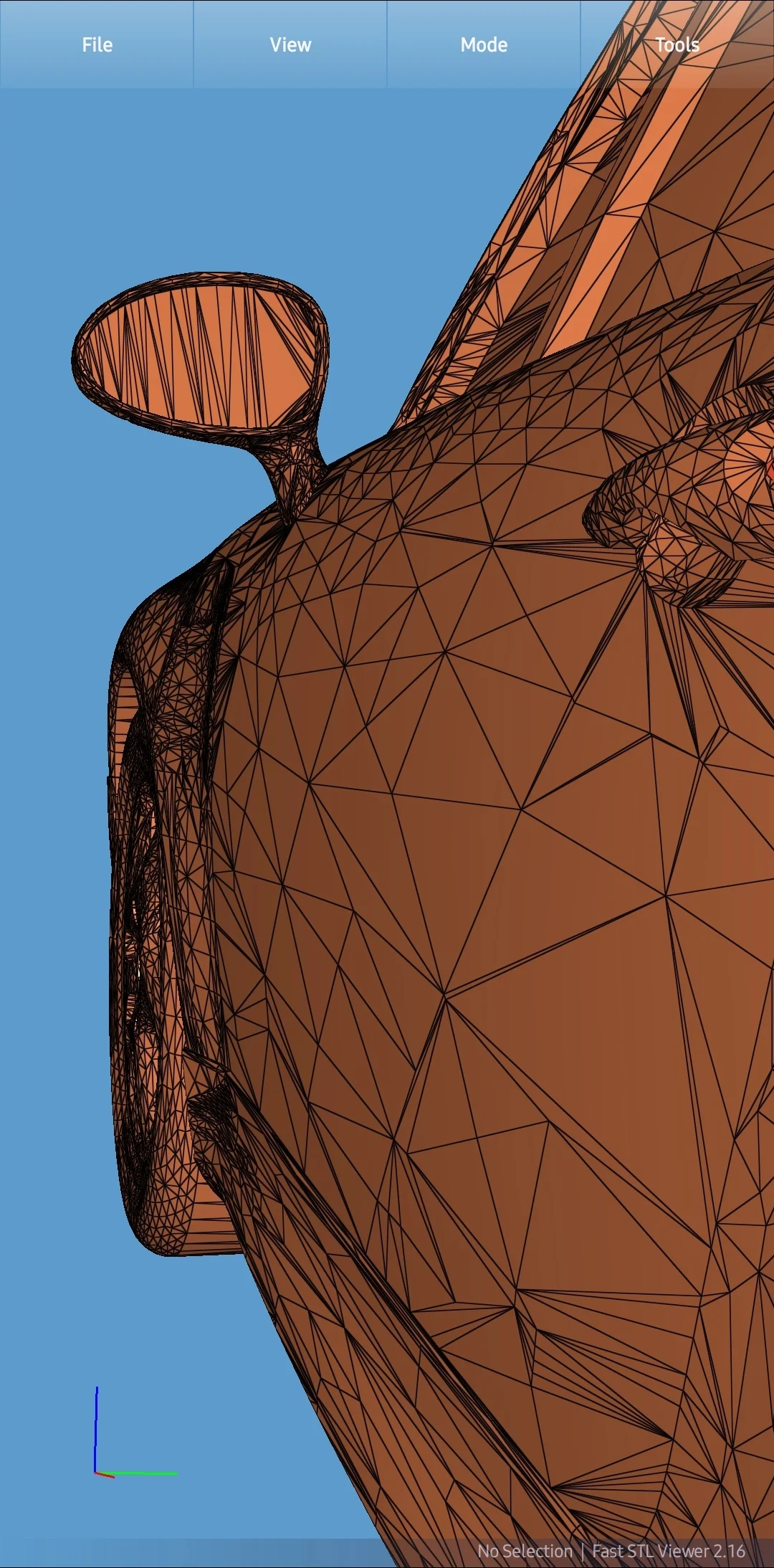
Combined (Shaded + Wireframe)
Shaded rendering with wireframe overlay
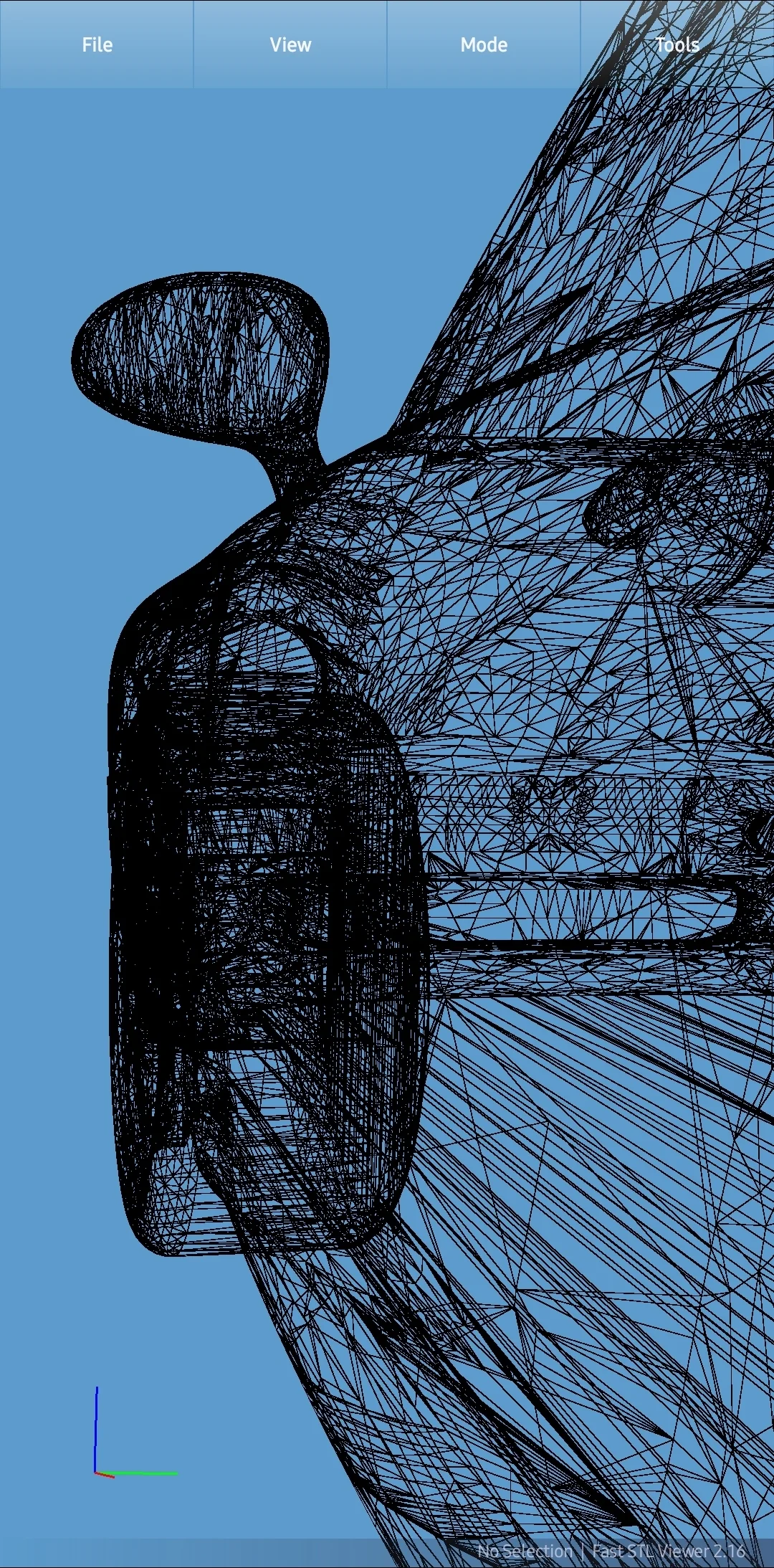
Wireframe
Shows the mesh edges of the model
Points
Displays only the vertex points of the mesh
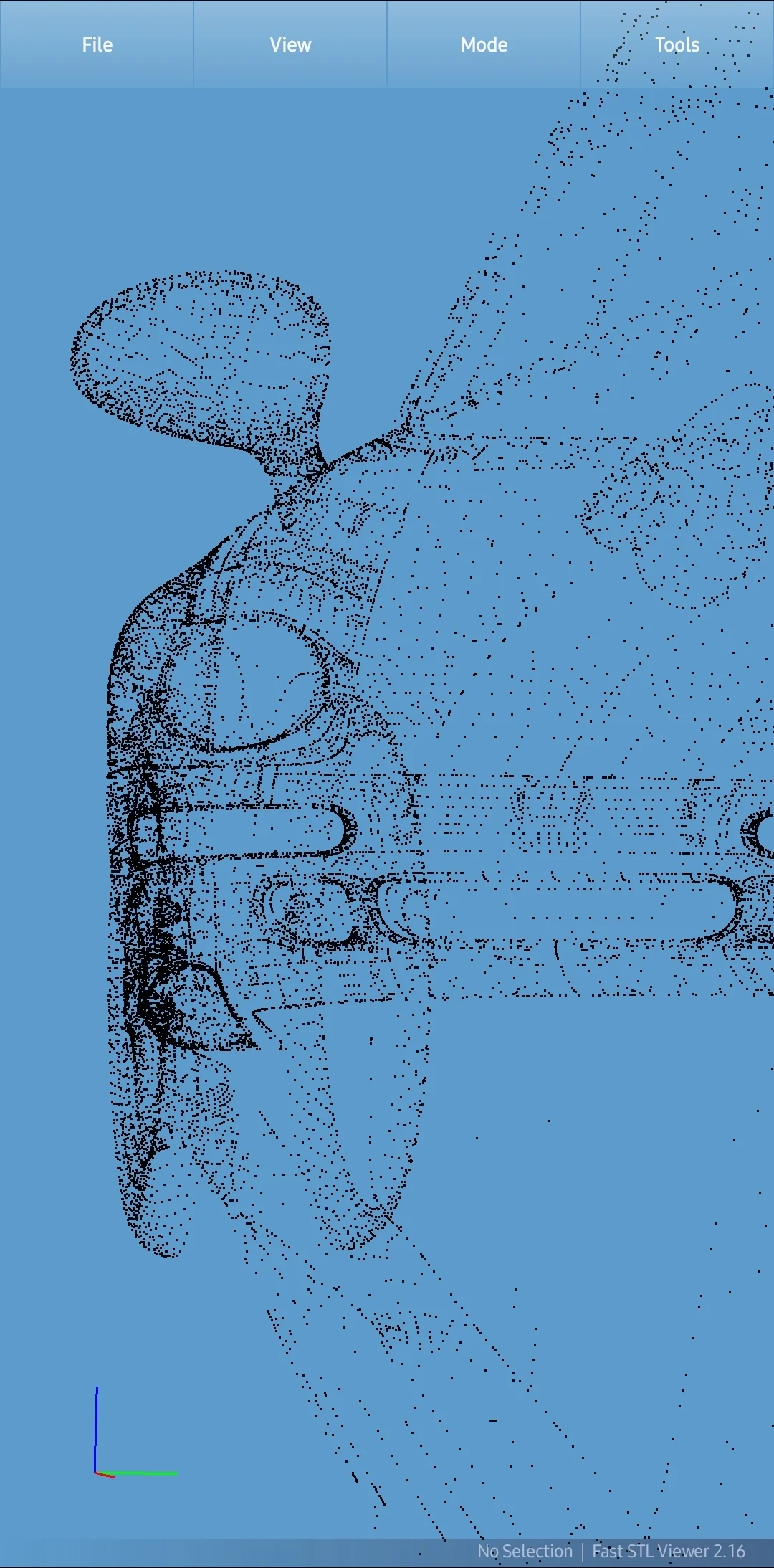
If the model looks sparse in Points mode, switch back to Shaded or Combined to see its surfaces. For a different camera angle, use view orientations. To identify disconnected regions of a model, see find unconnected parts.