Find Unconnected Parts in an STL Model
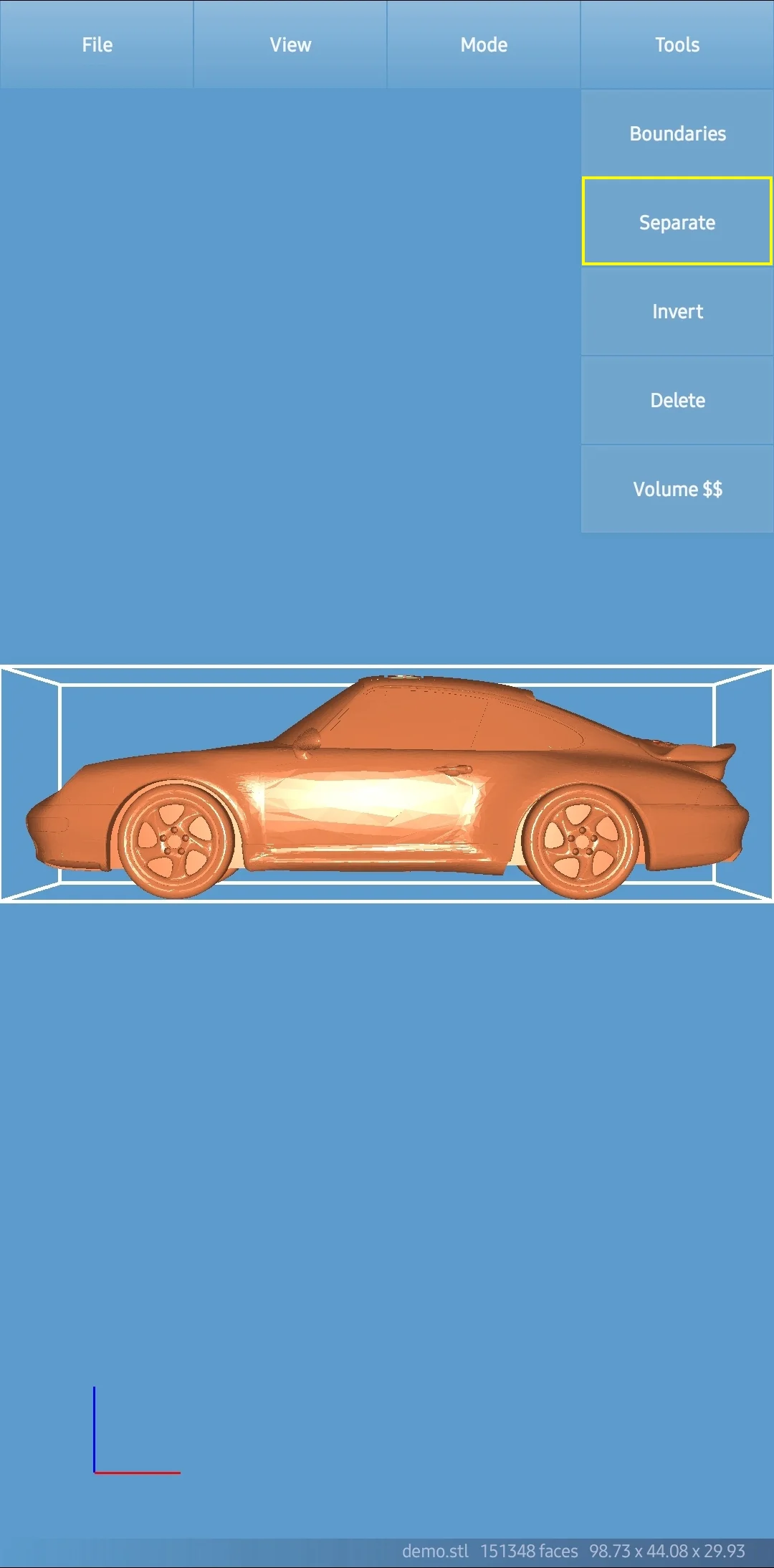
Use Tools → Separate to identify disconnected mesh regions.
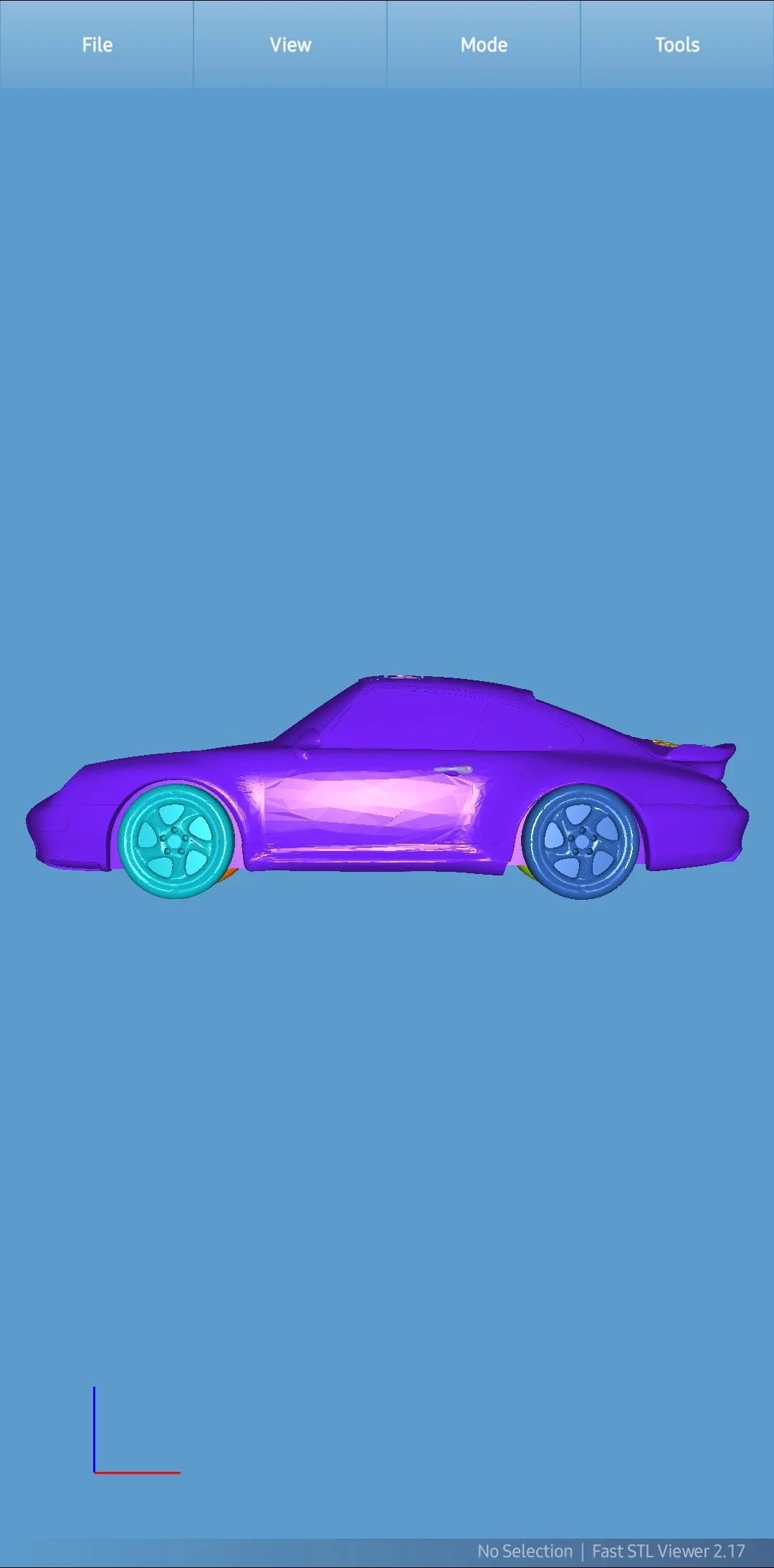
Separate helps you inspect an STL that contains more than one disconnected region. Select the model first, then run the tool. If it finds multiple regions, the viewer colors them differently so you can select each one in the scene.
Open an STL file
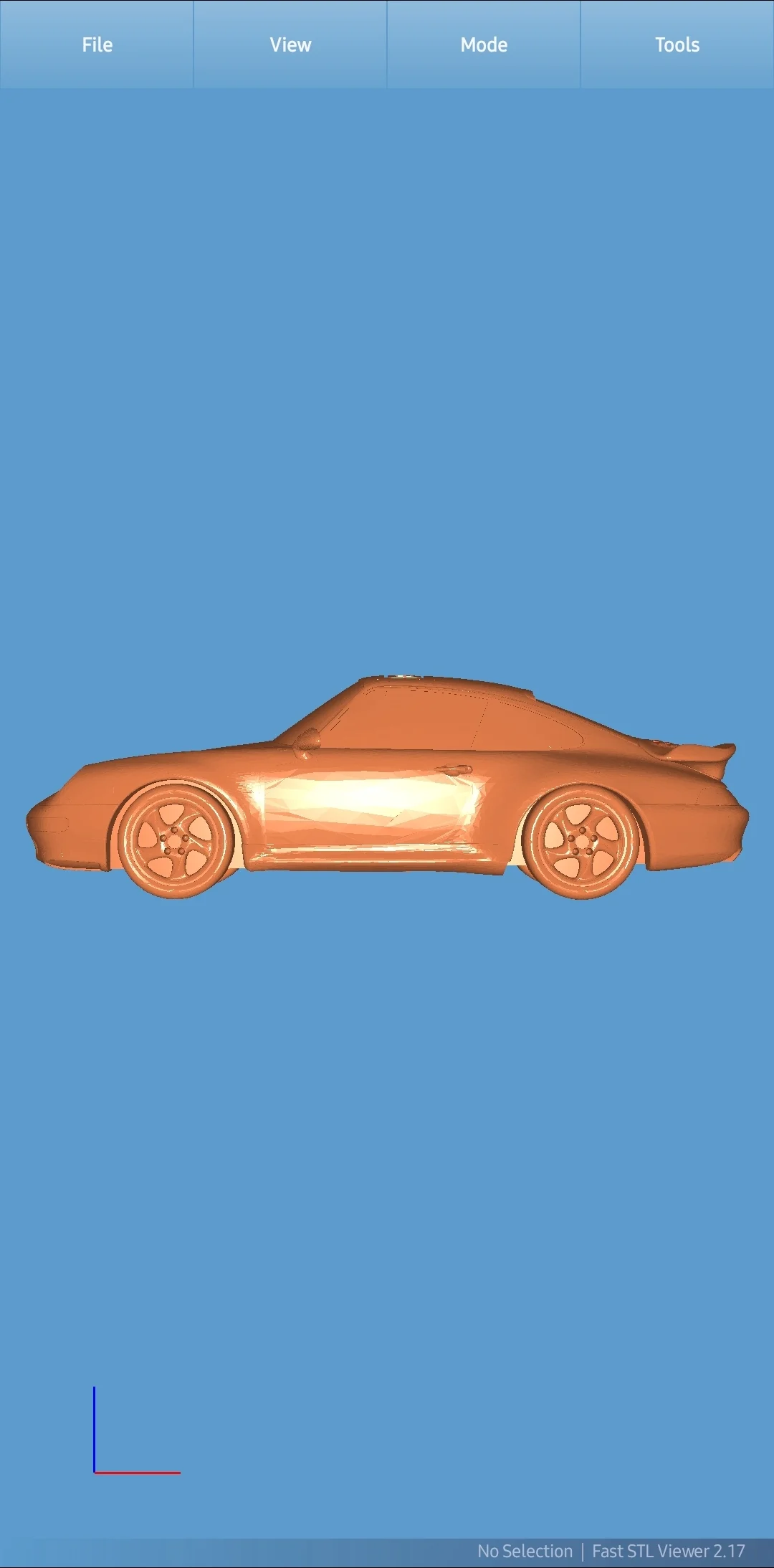
Select the model
Hold a finger on the model for one second. A white bounding box appears when selected
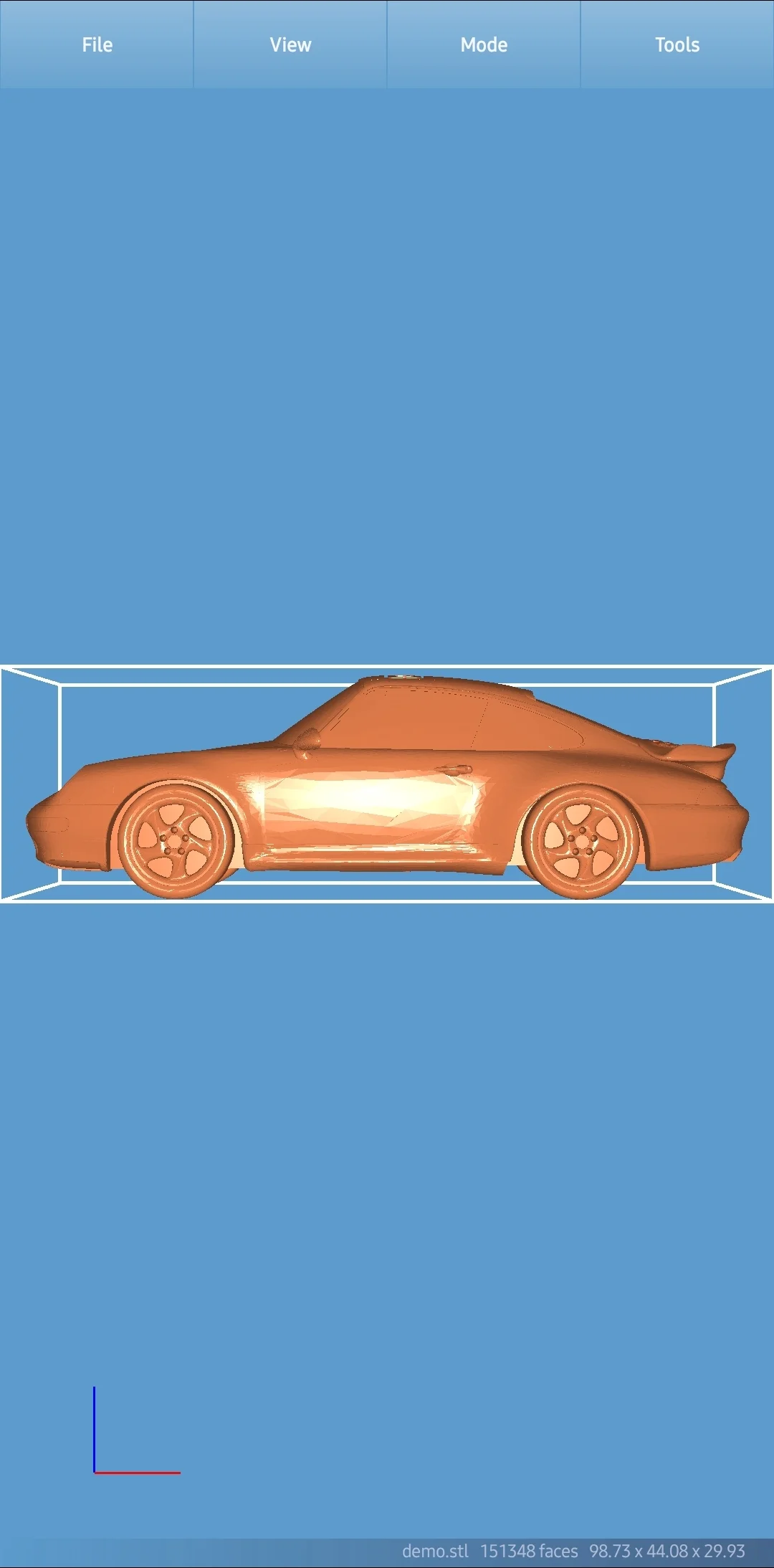
Go to Tools → Separate
View unconnected parts
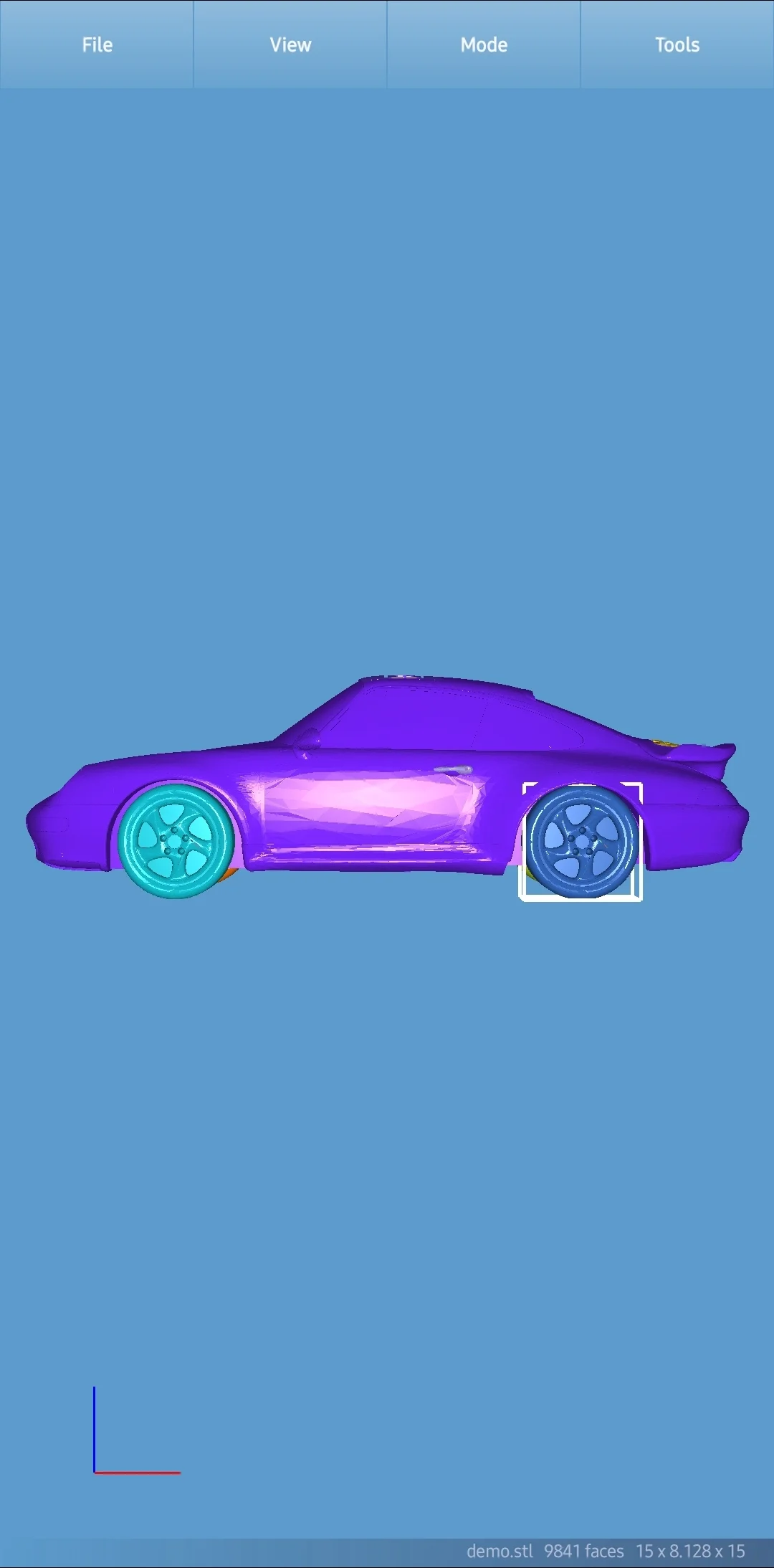
If the model has unconnected parts, they will be displayed in distinct colors
Select individual parts
Hold a finger on a colored region to select that component separately.
Alternative selection
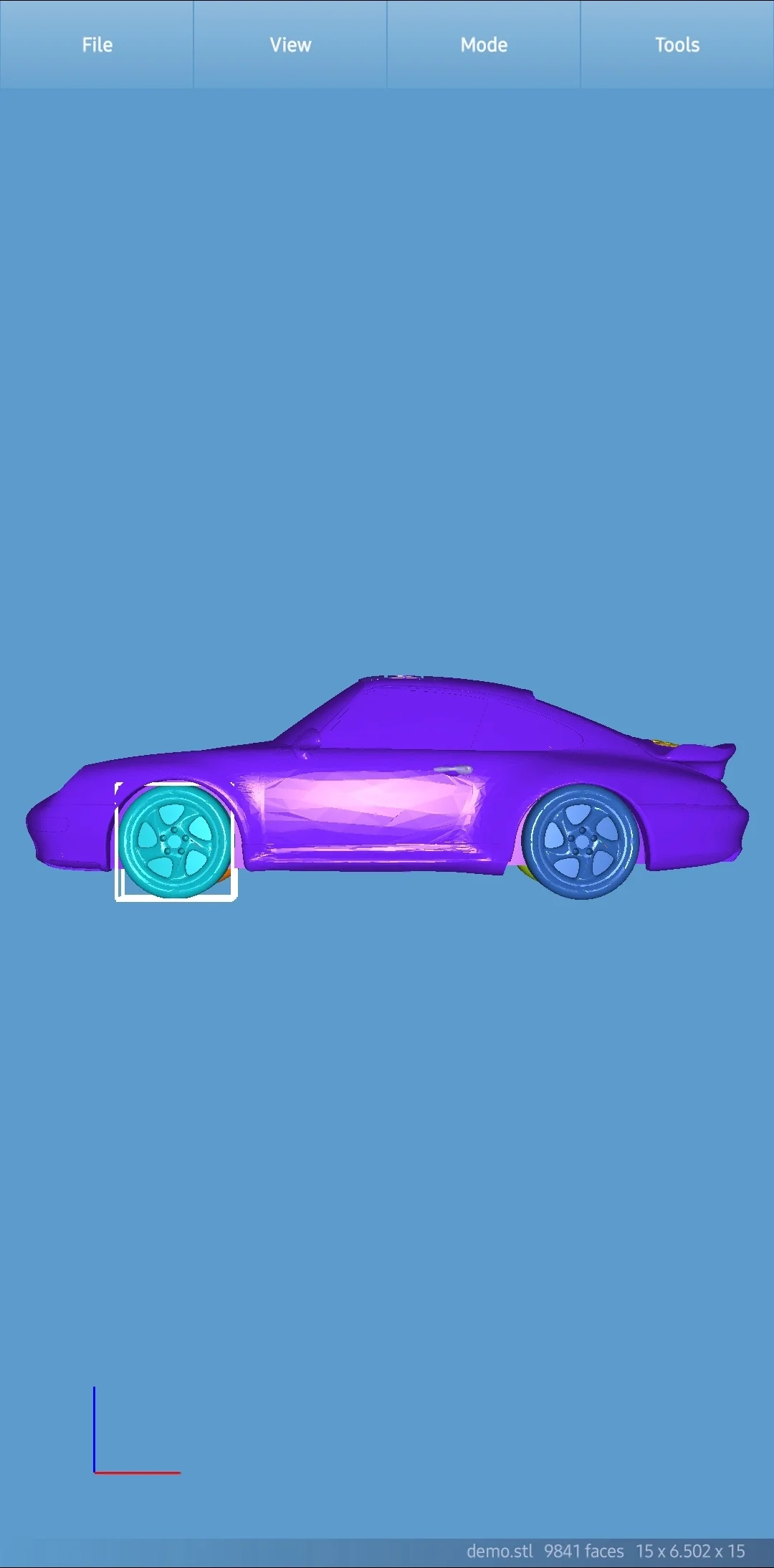
Select another colored region to inspect a different component.
If the app reports a single mesh, no unconnected parts were found. This view does not repair the mesh or confirm that it can be printed. Start with opening an STL file, or use Wireframe mode to inspect its edges.