Open an STL File from Android's File Manager
Send a saved STL file to Fast STL Viewer from another Android app.
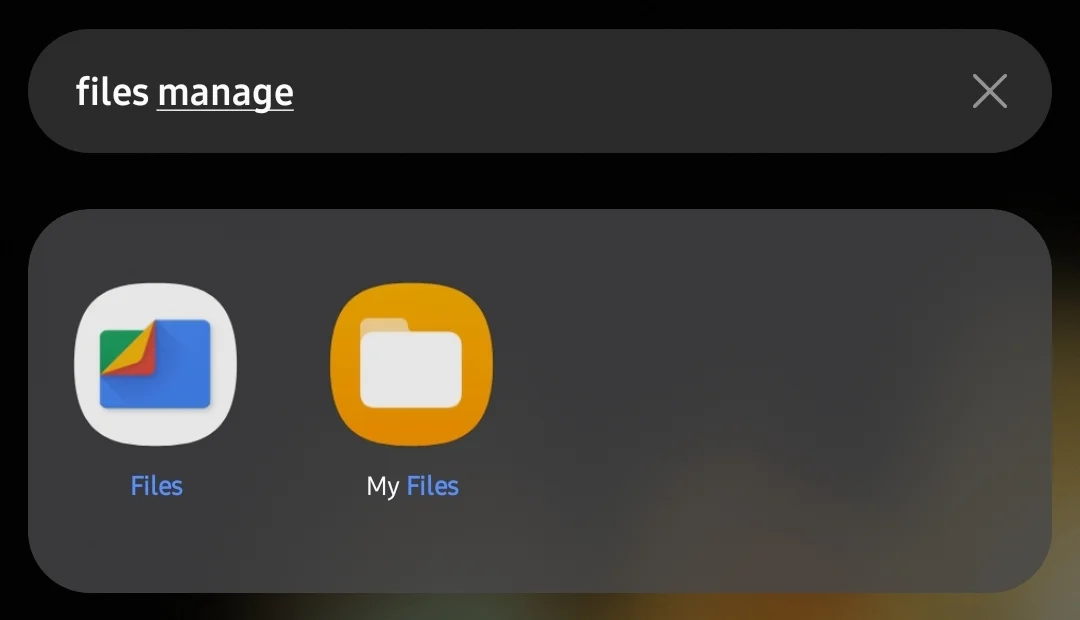
You can start in your phone's Files app or another file manager instead of browsing inside Fast STL Viewer. Choose the STL file and hand it to the viewer through Android's app chooser.
Launch an external file manager
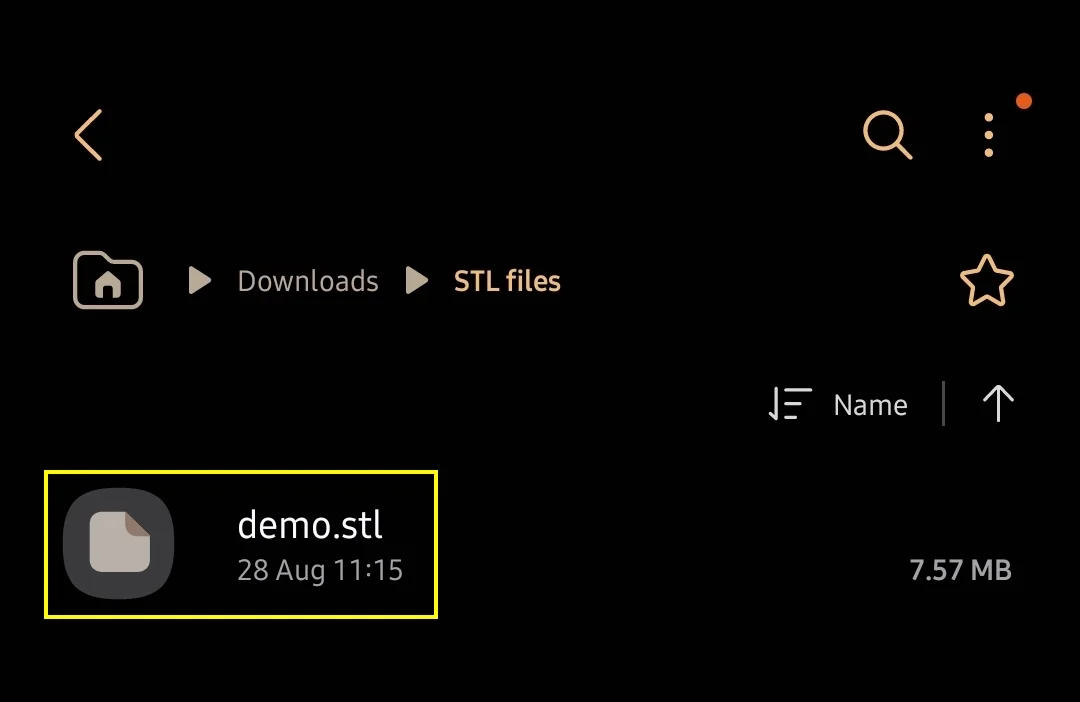
Navigate to a folder with STL files
Find the STL in Downloads or its saved folder, then tap it or choose Open with from the file manager.
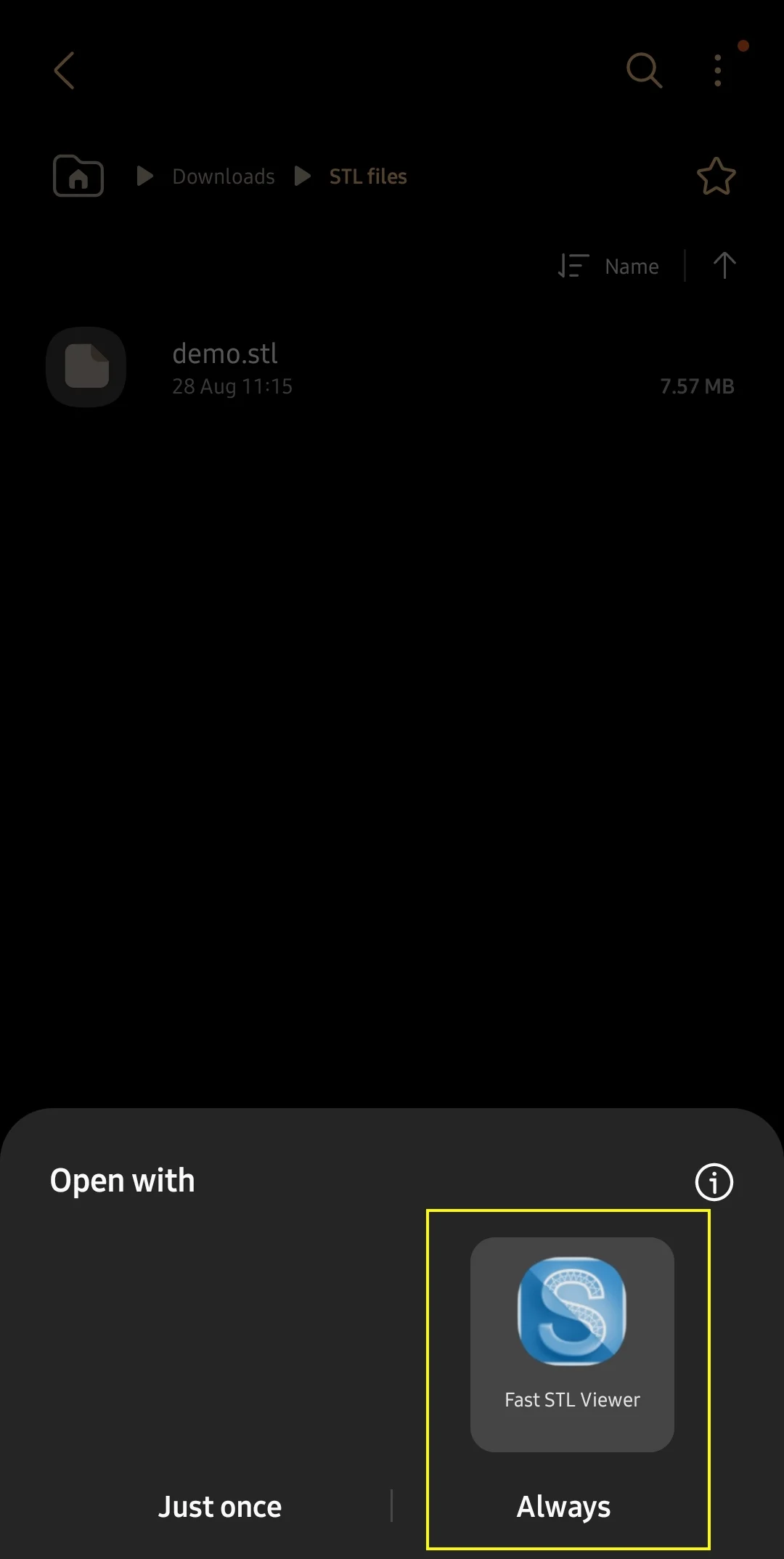
Choose Fast STL Viewer
If Android shows an app chooser, select Fast STL Viewer. The available Once or Always choice depends on your device.
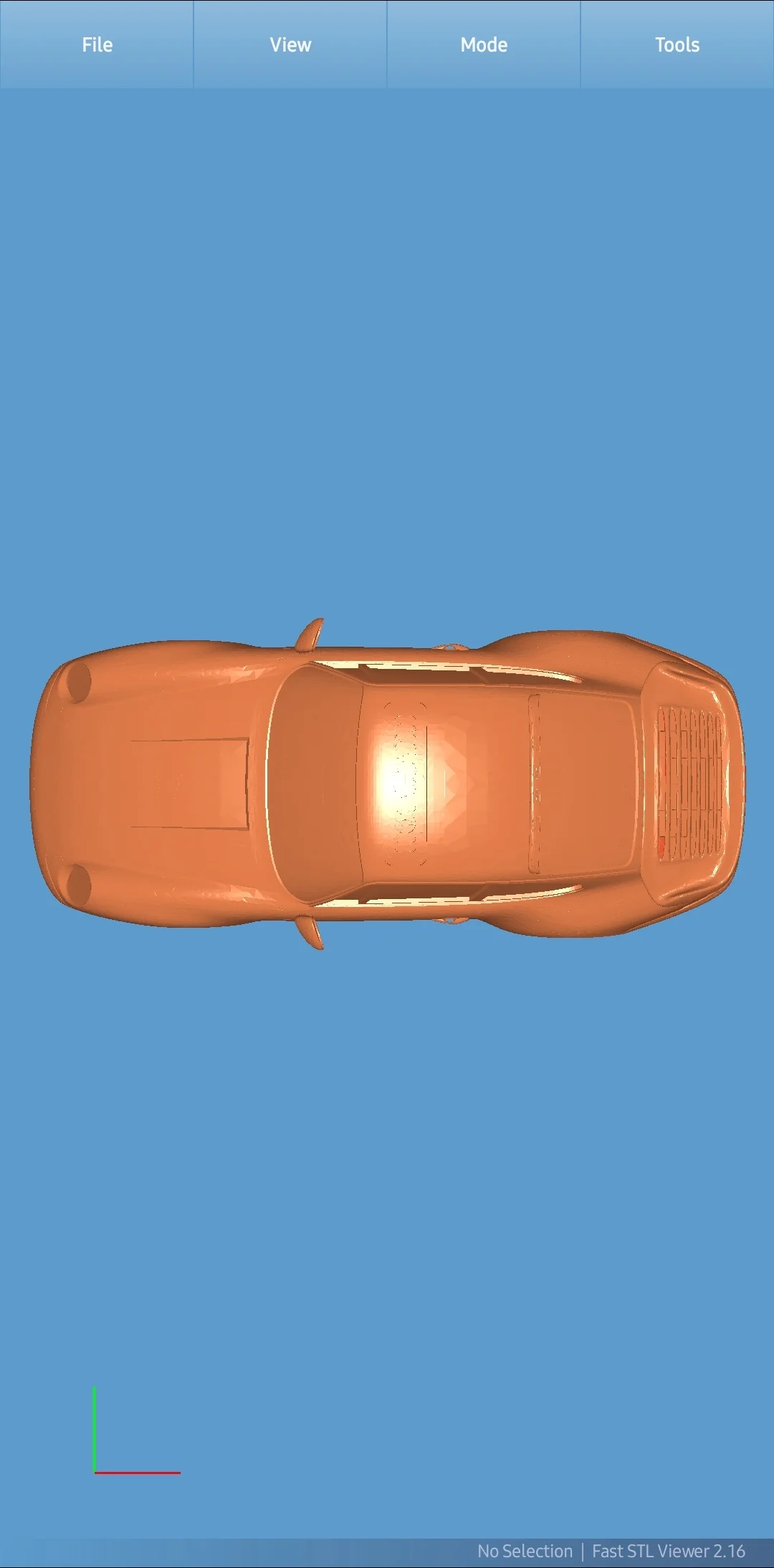
View the loaded model
The selected file is loaded on the 3D scene
If Fast STL Viewer does not appear, check that the selected item is an STL file and try the file manager's Open with or Share action. You can also open the file from inside Fast STL Viewer. After loading, try the display modes to inspect its mesh.